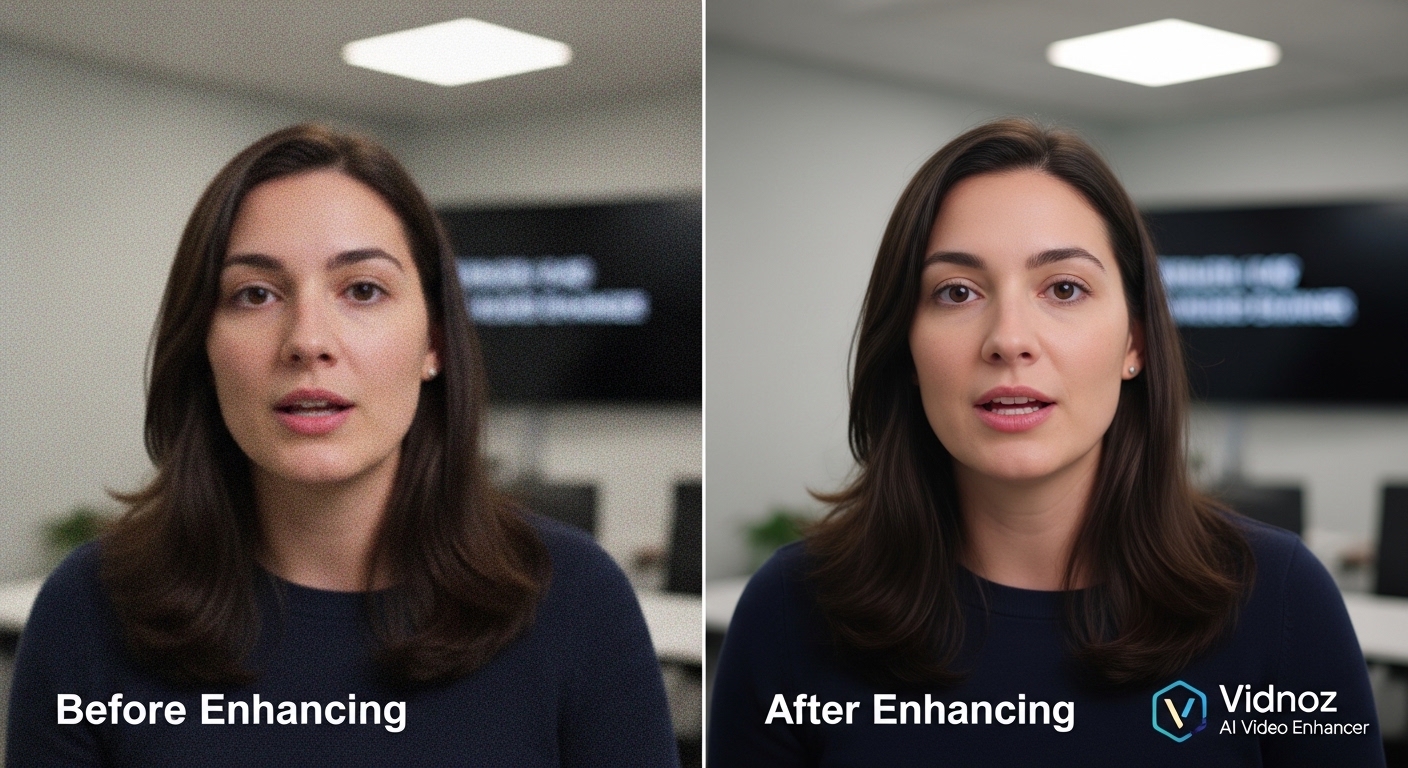
Video quality plays a crucial role in capturing attention online, whether for social media, marketing, or personal use. However, not everyone has access to professional editing software or the skills to use it. Vidnoz addresses this gap with its AI-powered video enhancer, designed to improve video clarity quickly and effortlessly. This review takes a fresh look at its features, performance, and overall value.
Understanding Vidnoz AI Video Enhancer
Vidnoz AI Video Enhancer is a browser-based tool that leverages artificial intelligence to upgrade video quality. It works by analyzing each frame and automatically adjusting elements like sharpness, brightness, and resolution. The result is a smoother, clearer video without requiring manual editing.
Because it operates online, users don’t need to install any software. This makes it highly accessible for beginners and convenient for professionals who need quick results on the go.
Core Capabilities
One of the most appealing aspects of Vidnoz is its automation. Users simply upload their video, and the AI does the heavy lifting. The system enhances visuals by removing noise, refining details, and improving overall color balance.
Another major strength is resolution enhancement. Low-quality videos can be upscaled to look sharper on modern screens, which is especially useful for older footage or compressed clips. The AI ensures that improvements look natural rather than overly processed.
For those interested in trying it out, the video enhancer free option provides a simple entry point without requiring payment.
Ease of Use
Vidnoz stands out for its user-friendly interface. The layout is clean, with straightforward steps that guide users from upload to final output. Even someone with no prior editing experience can enhance a video in minutes.
Since everything runs in the cloud, there’s no need for powerful hardware. This is particularly beneficial for users working on basic laptops or mobile devices. The platform handles processing efficiently, saving both time and effort.
Creative Expansion with Image-to-Video
In addition to video enhancement, Vidnoz offers a creative tool that converts images into animated videos. This feature is ideal for storytelling, presentations, and social media content.
With the image to video AI free tool, users can bring static visuals to life by adding motion and effects automatically. This expands the platform’s functionality beyond simple editing and into content creation.
Advantages and Limitations
Advantages
- Beginner-friendly design with minimal learning curve
- Fast AI-powered processing
- No installation required
- Free access to essential features
- Additional creative tools like image-to-video conversion
Limitations
- Fewer manual controls for advanced editing
- Internet dependency for usage
- Performance may vary with longer or high-resolution videos
Ideal Users
Vidnoz AI Video Enhancer is suitable for a broad audience. Social media creators can quickly upgrade their content, while marketers can enhance promotional videos without hiring professionals. It’s also a great option for individuals looking to improve personal footage or restore older clips.
Because of its simplicity, it is especially helpful for beginners who want professional-looking results without investing time in learning complex software.
Conclusion
Vidnoz AI Video Enhancer offers a practical and efficient solution for improving video quality. Its AI-driven technology, combined with an intuitive interface, makes it accessible to users of all skill levels. While it may not provide the depth of professional editing tools, it excels in delivering quick, high-quality results.
With the added benefit of image-to-video functionality, Vidnoz becomes more than just an enhancer—it’s a versatile platform for modern content creation. For anyone seeking an easy and free way to upgrade their videos, it’s a tool worth exploring.